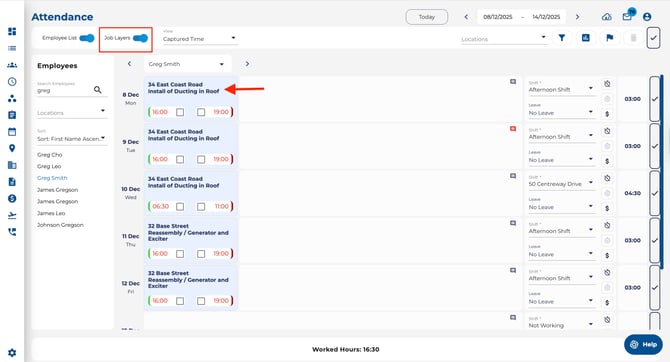
How to enable Job Layers on the Attendance page:
- Open the Attendance page using the navigation bar on the left of your screen.
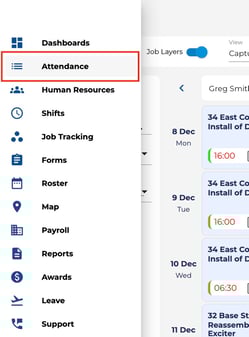
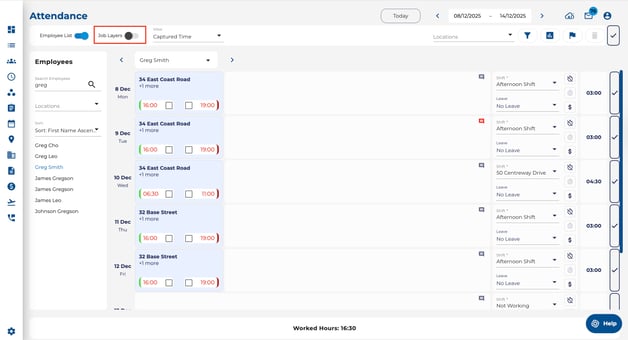
- Turn Job Layers on or off using the Job Layers toggle in the top toolbar.
- With Job Layers off, each day shows a single block of time for the employee, with job details hidden. This is useful for a quick, high-level view of total hours.
- With Job Layers on, each day is broken into separate cards for each job or task (for example, different sites or work orders).
- You can now see the job name on each card and click into a card to review or edit the clocks, job details, or allocation for that segment of time.