
Step-by-Step
-
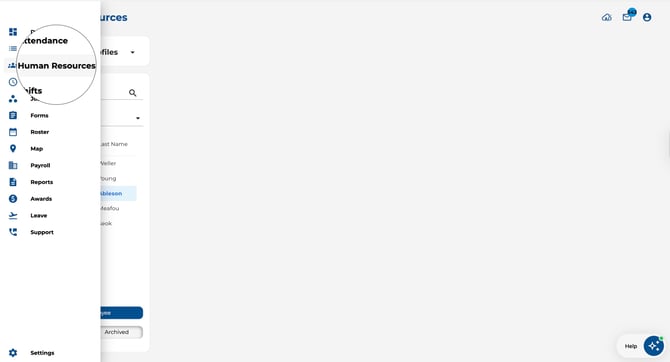
Navigate to the Employees page from the main menu.
-
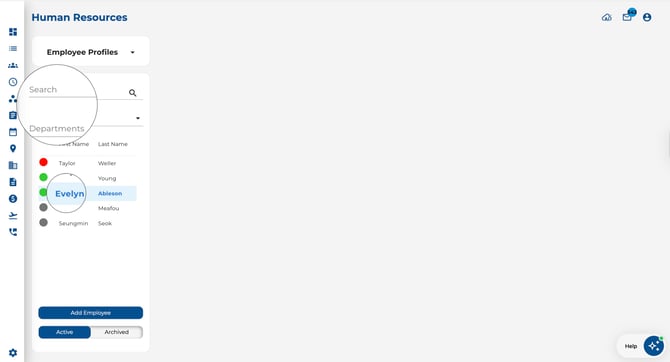
Use the Search field at the top of the list to find an employee by name.
-
Use the Department filter (below search) to narrow the list by department or user group.
-
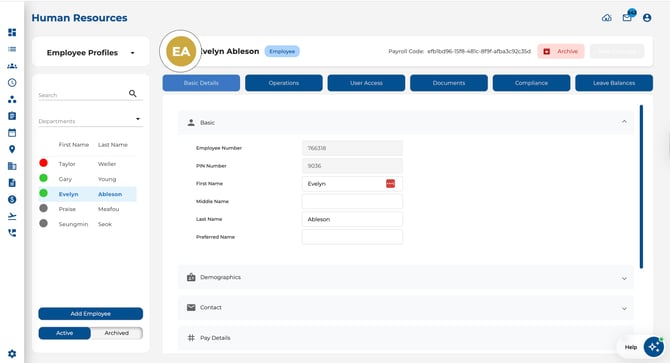
Click any employee row to open their profile in the right-hand panel.
Key Features
-
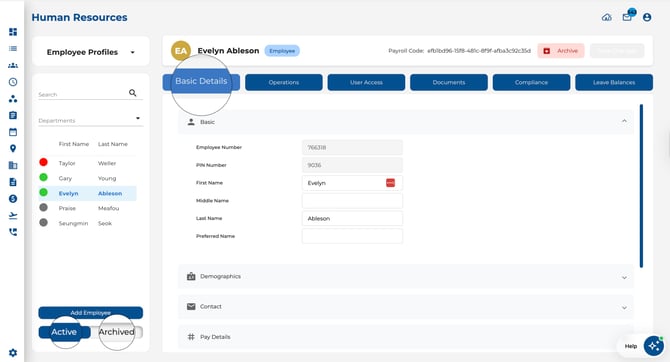
Active / Archived toggle — Switch between current and former employees at the bottom of the list.
-
Compliance dots — If compliance tracking is enabled, a coloured dot beside each name shows their compliance status at a glance.
-
Detail panel — When you click an employee, their full profile opens on the right side of the screen.
Tips
-
Combine the search field with the department filter to locate employees in large teams.
-
Check the Archived list to find former employees whose records have been preserved.