
Search
-
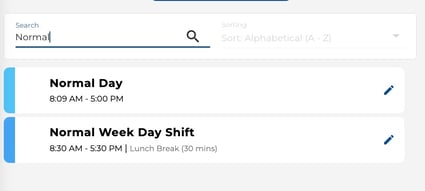
Type a shift name into the Search bar at the top of the Shifts section.
-
The list filters in real time as you type.
Sort
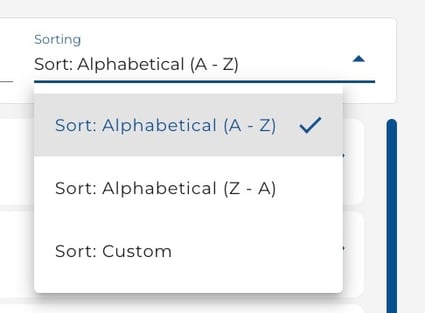
Click the Sorting dropdown to choose how shifts are ordered:
-
Alphabetical (A–Z) — Sorts shifts from A to Z.
-
Alphabetical (Z–A) — Sorts shifts from Z to A.
-
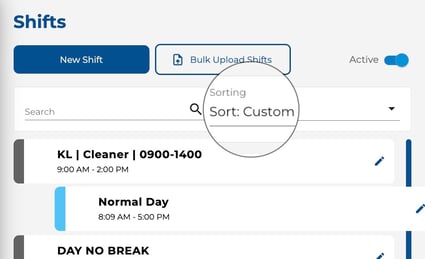
Custom — Enables drag-and-drop reordering so you can arrange shifts in your preferred order.
Tip
-
Custom sort order is saved and visible to all users in your company, so arrange shifts in a way that makes sense for your whole team.