How to Filter The Map
Open the Map page using the navigation menu on the left.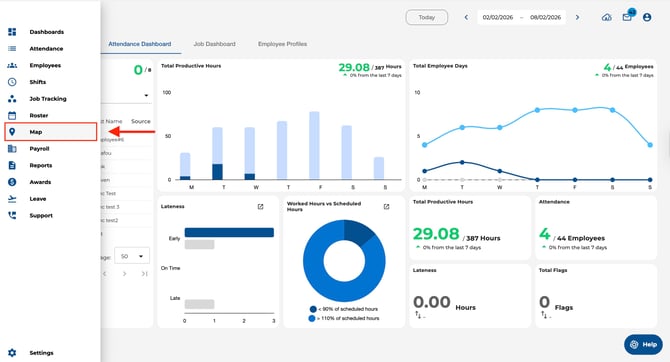
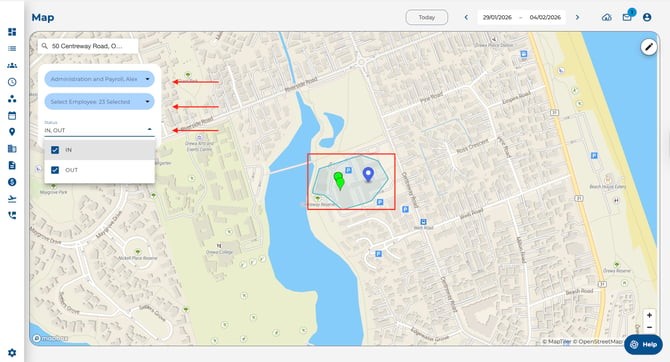
Use the filter panel on the left of the map to filter by:
- IN/OUT status
- Employees
- Locations/Departments
The map updates to show only the results matching your selections.
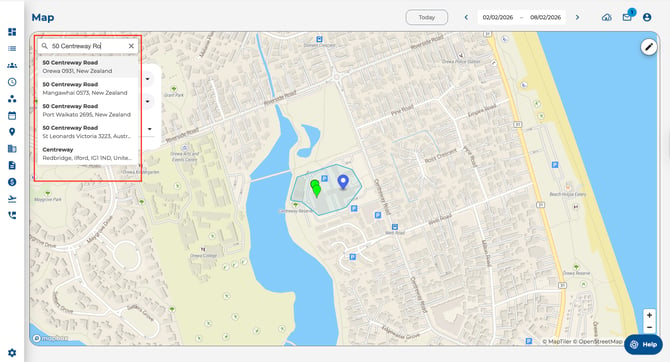
Search For A Location
Use the search bar above the filter menu to search for an address or location and jump to that area on the map.