
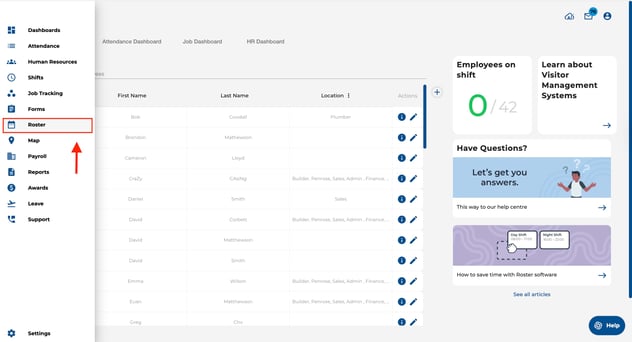
- Navigate to the Roster page.
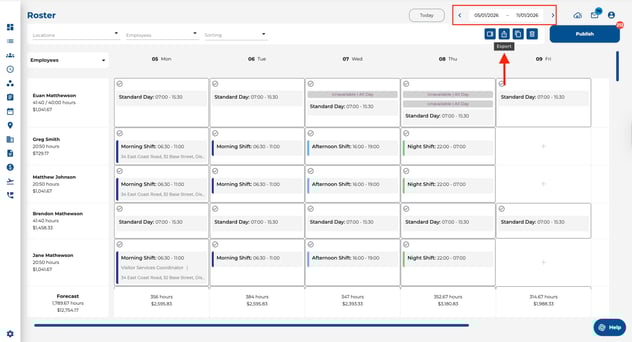
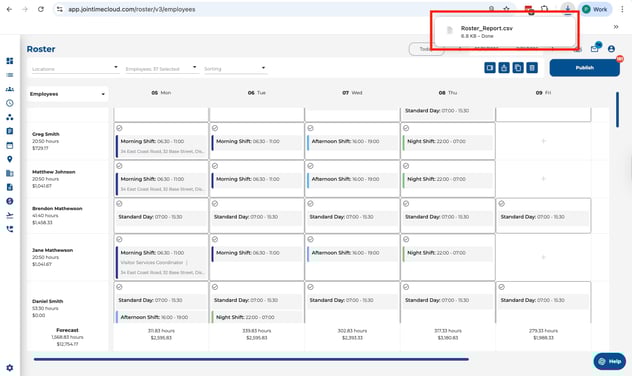
- Ensure you have selected the desired date range then click on the export icon.
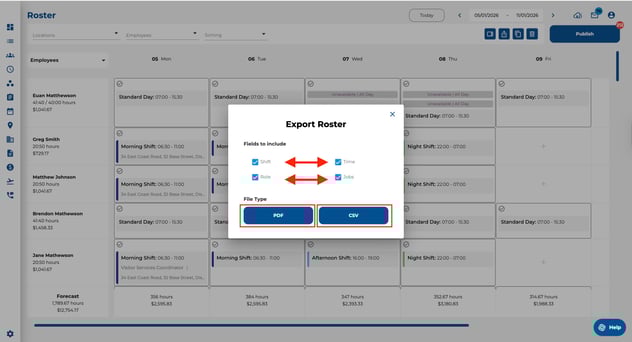
- Select the fields you would like to include in your roster, then choose the preferred export format (PDF/CSV).
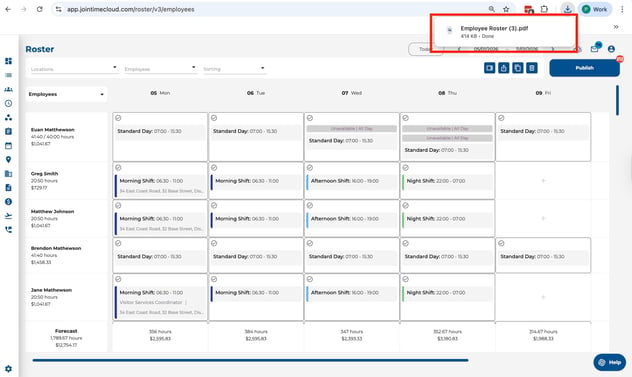
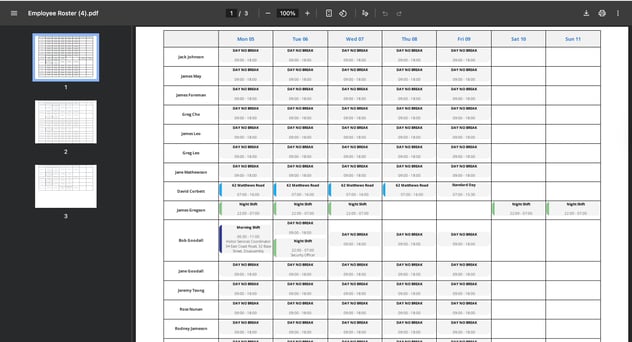
- If you select the PDF option, a PDF document will be downloaded. (Sample PDF export below).
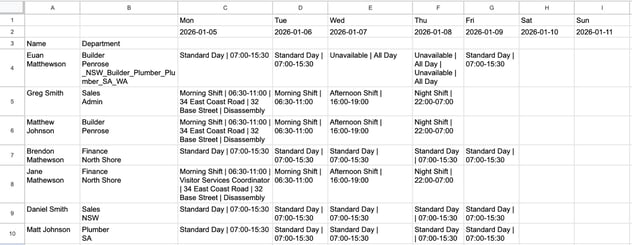
- If you choose the CSV option, a CSV file will be downloaded. (Sample CSV export below).
If you do not currently have the Roster feature and would like to use it, please click on the following link: Contact form